How to Use GIF Maker: Step-by-Step Tutorial
This walkthrough uses the GIF Maker page.
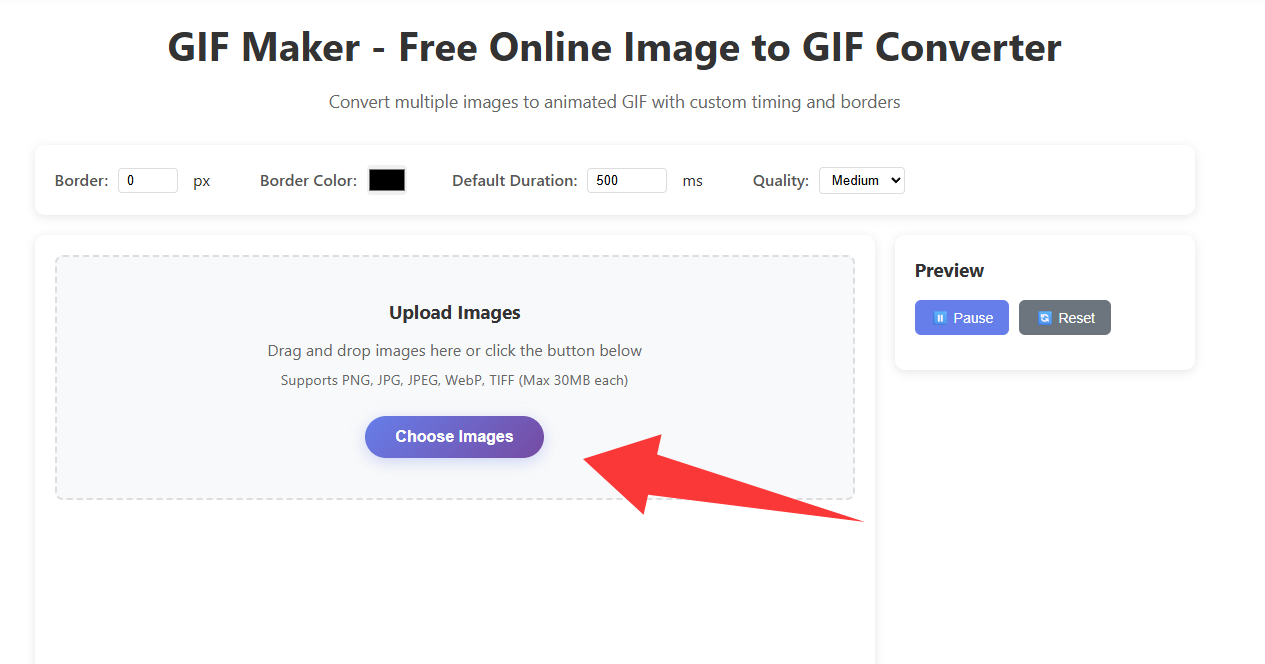
1. Upload frames
Drag images in or use Choose Images.
For uniform frames, use Crop Image first.
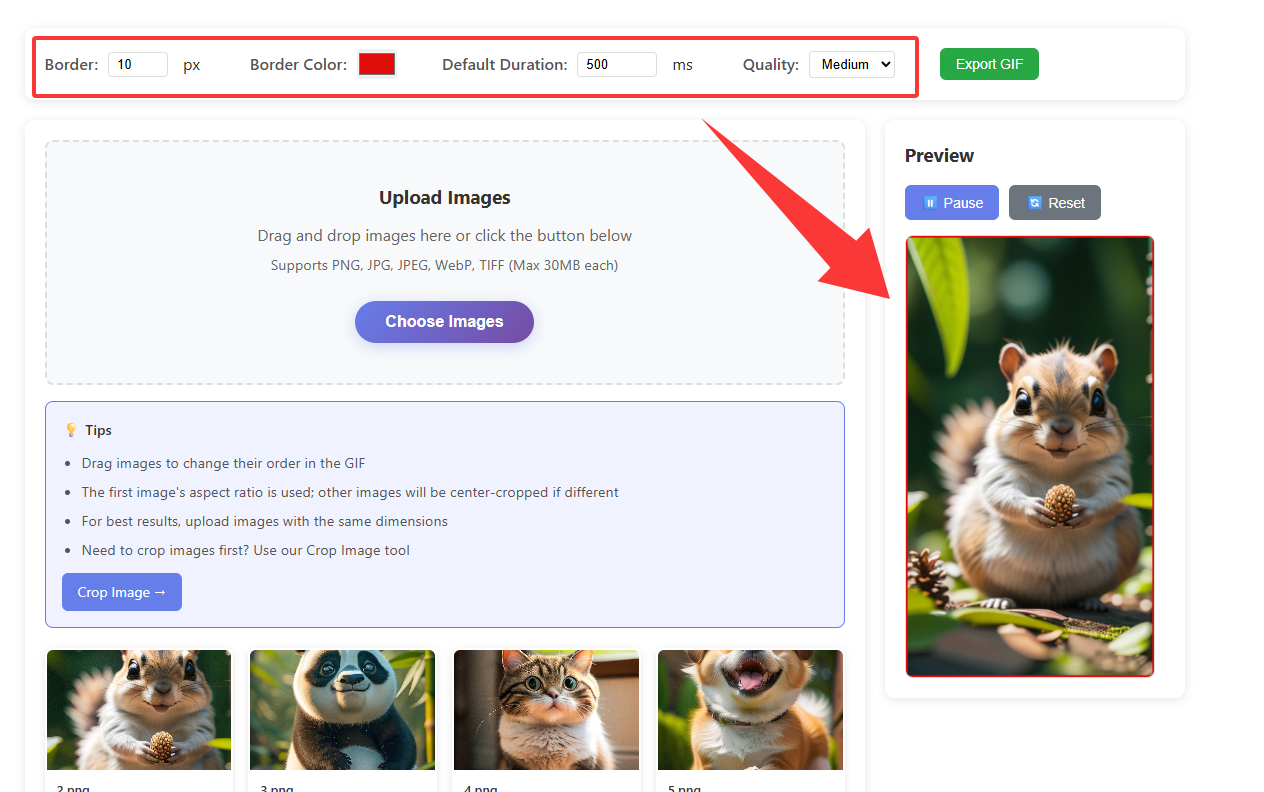
2. Toolbar, order, and preview
Set border, duration, quality; drag frames; use Preview.
The first image sets output dimensions.
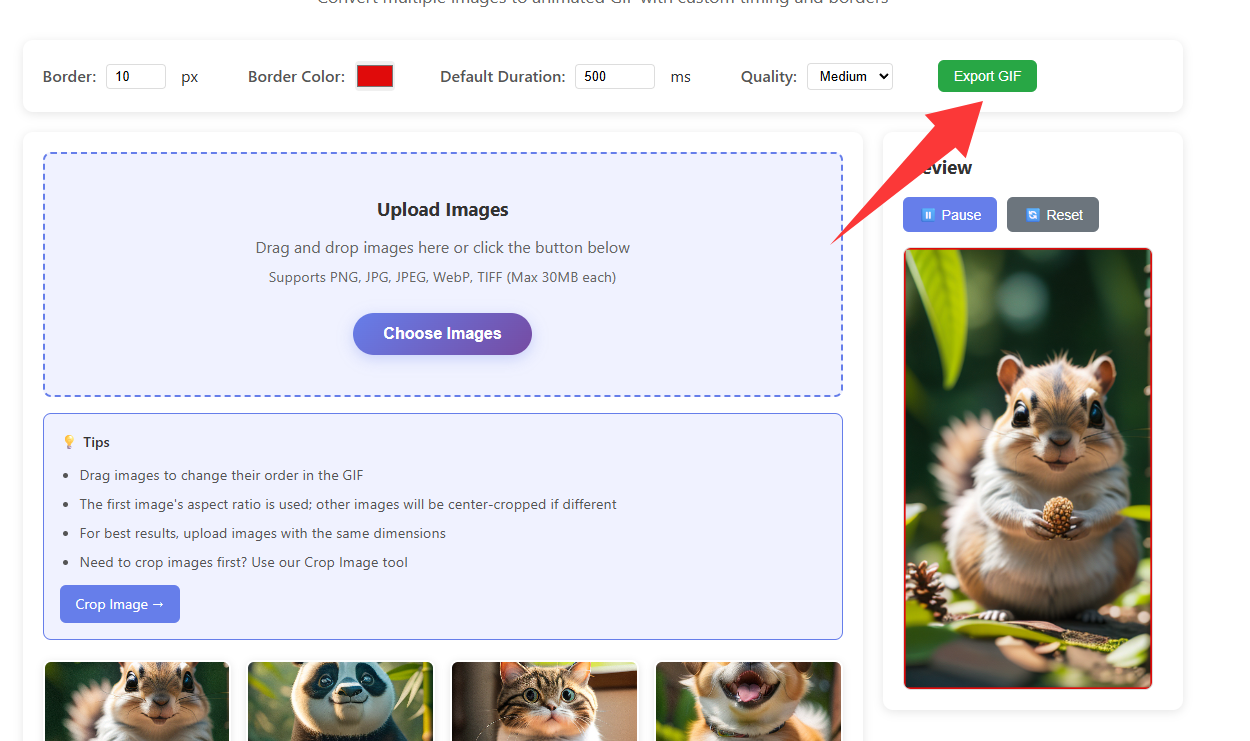
3. Exported GIF
Export downloads an animated GIF.
4. Example animated GIF
Below is a sample animated GIF (loops in the page).

Open GIF Maker